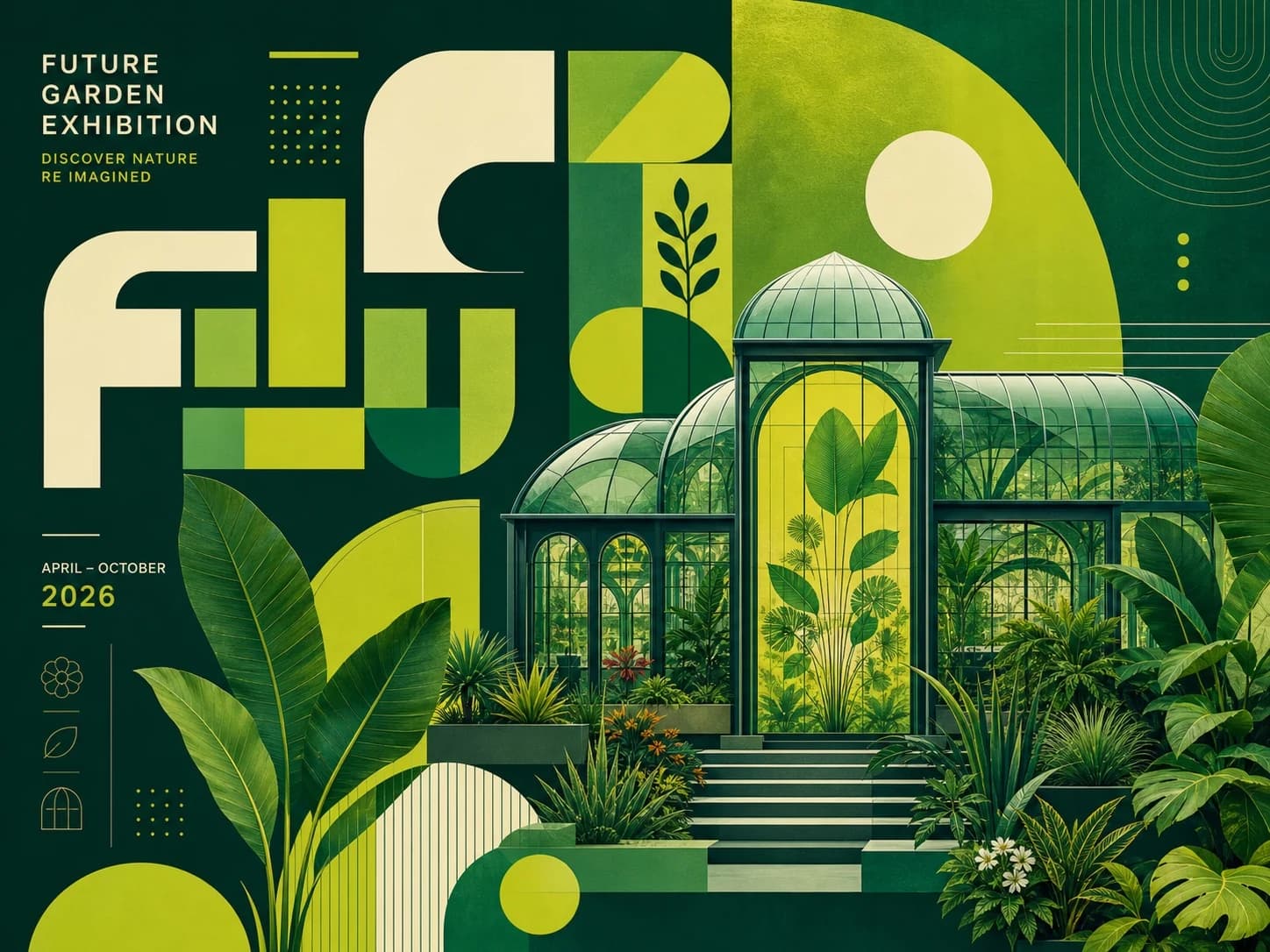
Text-to-image workflow
A Practical FLUX.2 Prompt Guide
Learn a repeatable way to write FLUX.2 prompts with a clear subject, scene, composition, light, material, and output goal.
Read guideEditorial resources
Use these field guides to plan a clearer prompt, prepare better references, and review generated images before they become public assets.
Text-to-image workflow
Learn a repeatable way to write FLUX.2 prompts with a clear subject, scene, composition, light, material, and output goal.
Read guide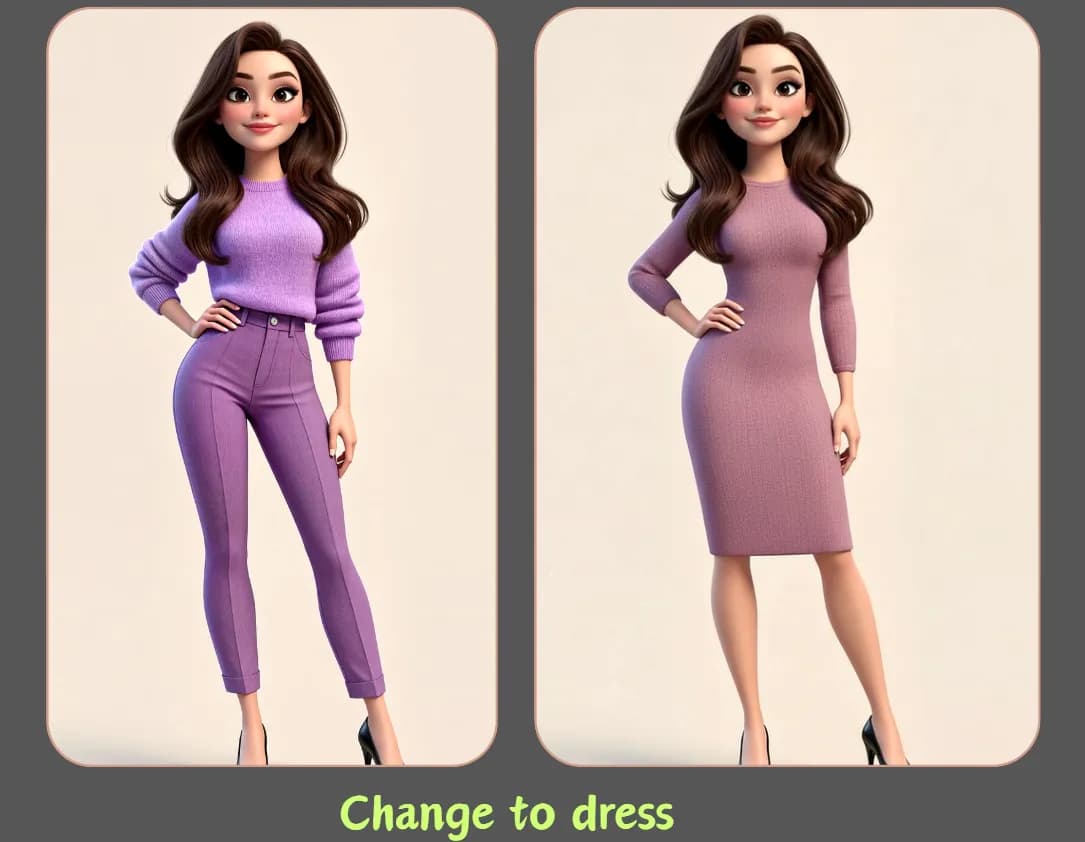
Reference-guided editing
Separate what should change from what must stay recognizable when editing a reference image with AI.
Read guide
Ecommerce and campaign workflow
Plan cleaner product scenes without losing package shape, label placement, useful copy space, or brand consistency.
Read guide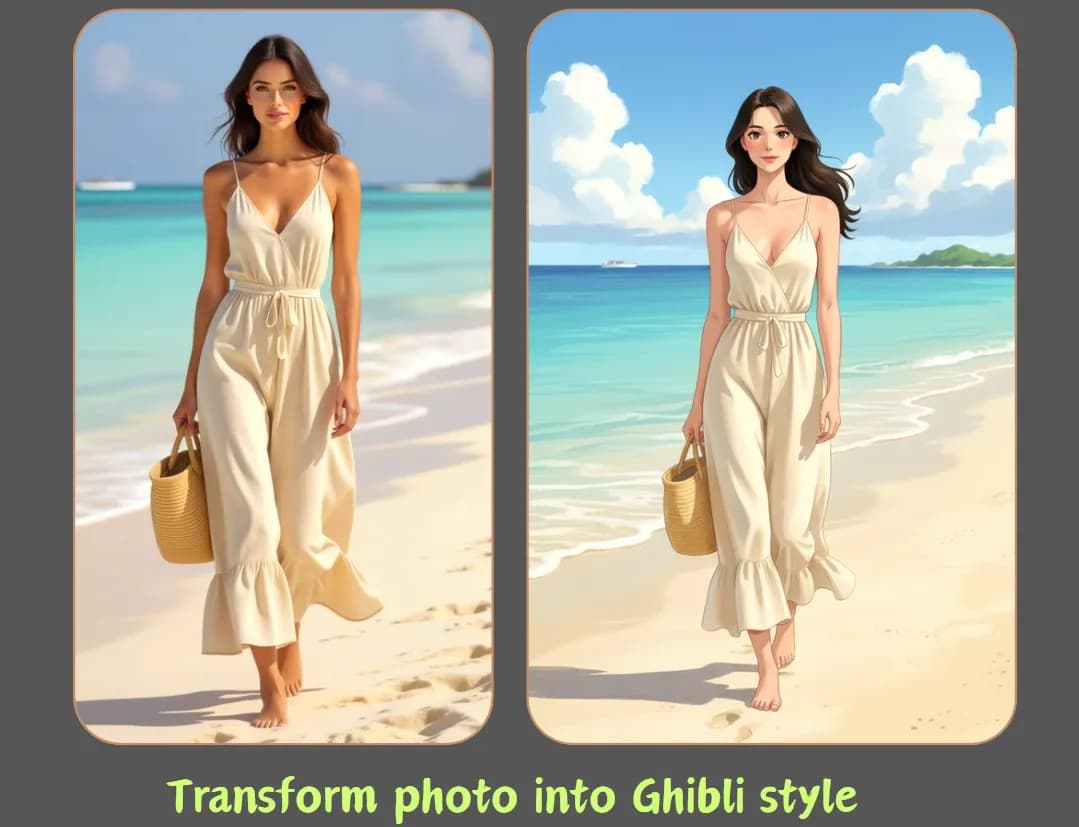
Portrait editing workflow
Plan portrait restyles while protecting identity, consent, proportions, and publication context.
Read guide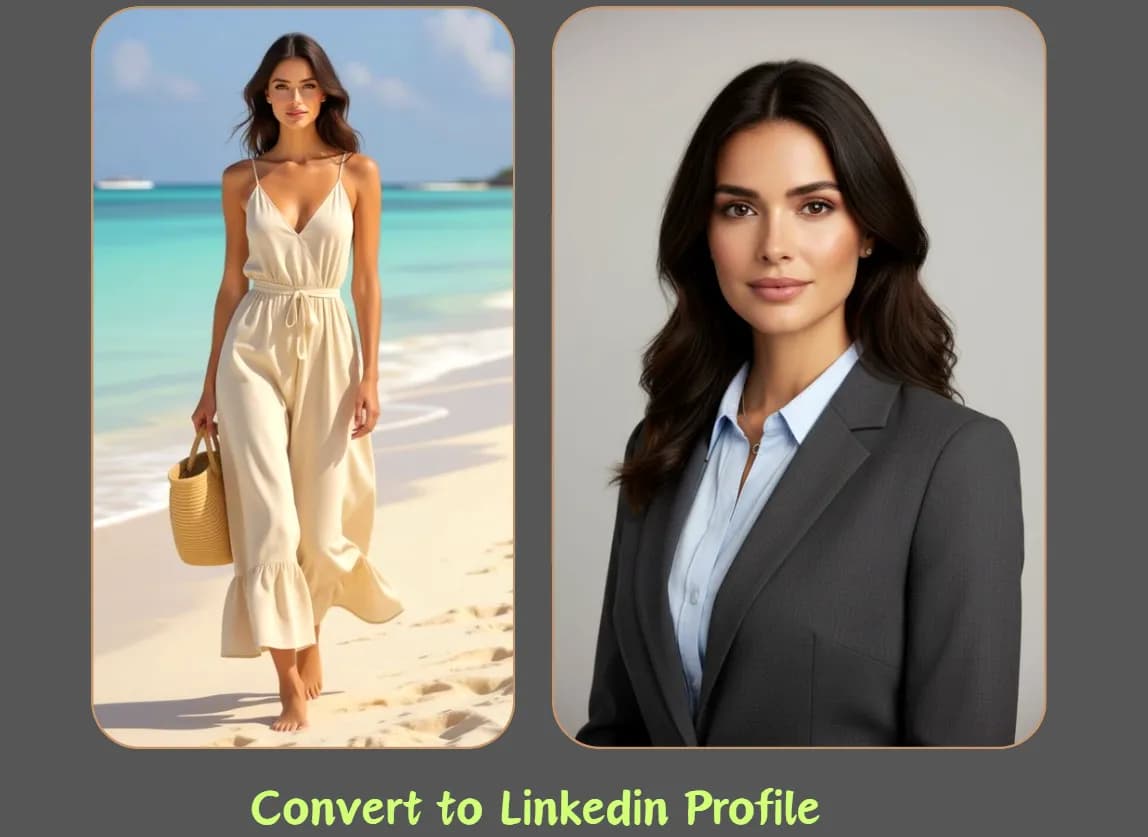
Before you upload
Choose, crop, and describe reference images so the model receives cleaner visual evidence and fewer conflicting instructions.
Read guide
Composition planning
Match 1:1, landscape, portrait, and auto ratios to the destination instead of fixing composition after generation.
Read guide Flux 2 Cloud