Before you upload
How to Prepare Reference Images for AI Editing
Reference quality is part of the prompt. A clear source, intentional crop, and explicit role for each image can improve control before any text instruction is written.
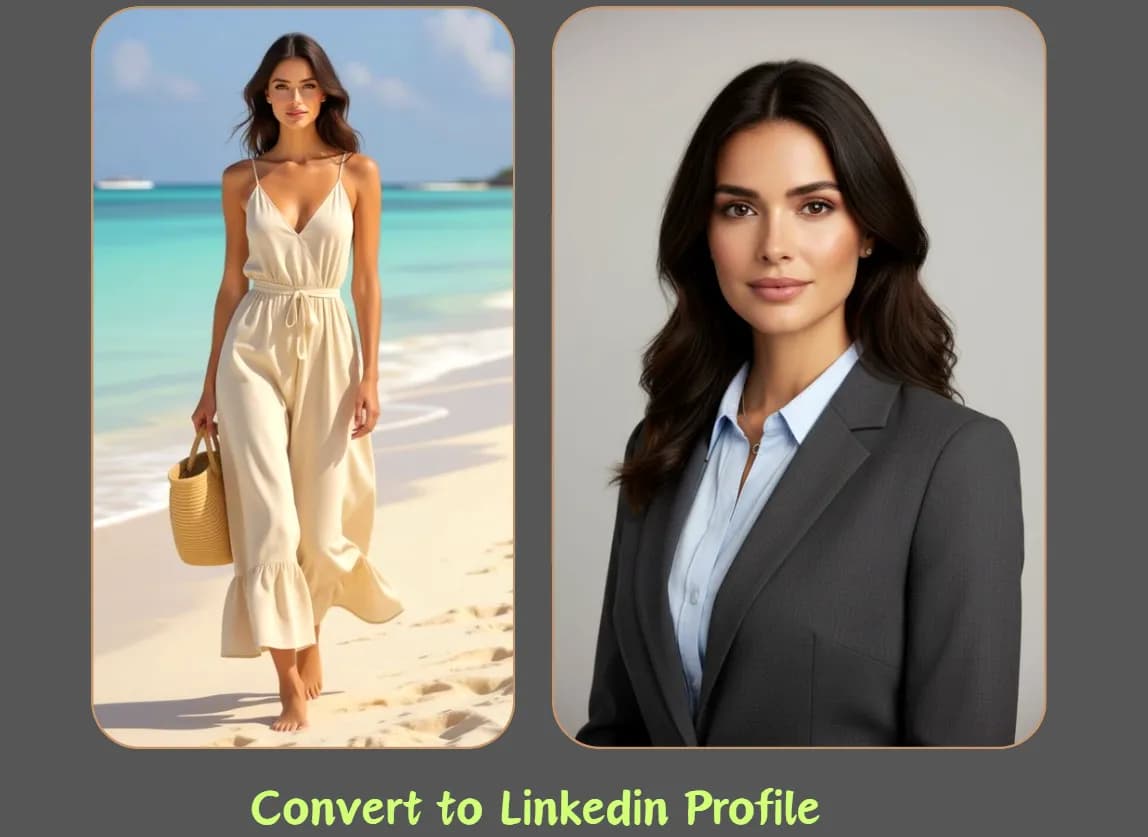
Choose clarity over decoration
Use a source where the important subject is large enough to inspect and not hidden by text, stickers, strong filters, or foreground objects. If the task depends on color or material, avoid lighting that completely changes those properties.
Crop with the final task in mind, but do not cut off details you need the model to preserve. A full-body edit needs feet and hands; a product edit needs the complete silhouette; a profile image needs enough room around the head and shoulders.
Give each reference one primary responsibility
When using two references, conflicts are common if both contain different subjects, angles, and styles. Assign a primary role to each image and state it in the prompt. For example: reference one defines the person and pose; reference two defines only the studio lighting and neutral palette.
Review checklist
- Identity reference: clear face, neutral expression, minimal occlusion.
- Product reference: accurate silhouette, label placement, and material.
- Style reference: palette, lighting, texture, or composition—not a second subject.
- Layout reference: framing and spatial relationships, with simple visual hierarchy.
Protect privacy and rights before upload
Remove sensitive information that the model does not need, such as addresses, account numbers, private messages, or identifying documents. Confirm you have permission to upload the image and to create the intended transformation.
Keep an untouched local copy of the source. Generated results may change details unexpectedly, so the original remains the comparison point for identity, product facts, and publication approval.
Apply the method to a real generation
Save the source and prompt, then change one variable per attempt. Before publication, inspect identity, hands, text, logos, and rights-sensitive material at full size.
 Flux 2 Cloud